
Baby monitor safety
Baby Monitor Recalls
A recall may affect only one part of your monitor setup.
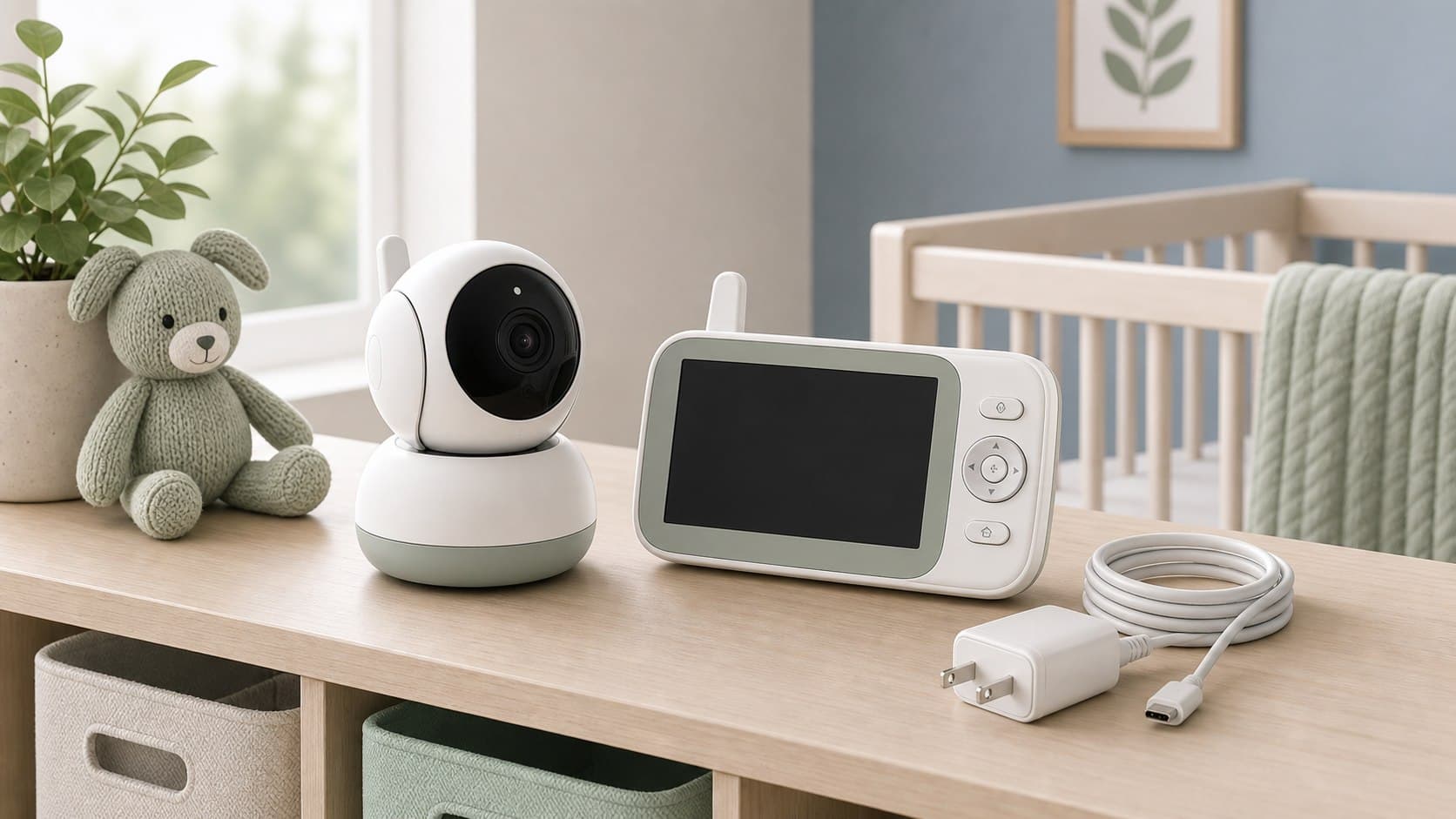
Baby monitor systems often combine a camera, parent unit, battery, charger, cord, mount, sensor, and app. Model numbers can differ across those pieces, so the bundle name alone may not confirm whether your equipment is affected.
Find these details first
Separate the monitor from the power and mounting pieces.
Monitor recalls can involve the camera, parent unit, battery, charger, cord, wall mount, or sensor. Compare the hardware version before assuming the whole system is affected.
Monitor kit check
- Camera or audio unit
- Look for a model label on the base, underside, back, or battery compartment.
- Parent unit
- Record its model and serial number separately from the nursery unit.
- Battery and charger
- Check removable battery packs, power adapters, plugs, and charging cables for their own numbers.
Device + Power
- Sensor or wearable
- Note the model, size, hardware generation, and any separate charging base.
- Cord and mount
- Keep details for wall mounts, stands, cord covers, and mounting hardware included in the bundle.
- App or firmware version
- For connected monitors, version information may appear in the device settings or companion app.
Check the component named in the notice
A notice for a monitor system may apply only to its rechargeable battery, power adapter, wall mount, sensor pad, or another included part. Compare the identifier printed on that component rather than relying only on the brand or bundle name.
- Keep discontinued accessories until you have confirmed whether they are affected.
- Do not substitute a different charger unless the official instructions allow it.
- If a label is hidden by a mount, photograph it before reinstalling the device.
Live recall example
Recent recalls in this category
Open the recall feed to see the latest official notices and affected-product details for this category.
This example updates automatically when a newer matching recall is added to Baby Recall Tracker.
Compare before acting
Which device piece is affected?
Monitor recalls may name the camera, parent unit, charger, battery, cord, or mount.
Best identifier
The model number on the affected device or accessory
Details that may differ
Camera, parent unit, battery, charger, sensor, and mount numbers
Safety concerns
Overheating, burns, electric shock, cord hazards, or faulty mounts
If an item may match
Keep the useful details, then follow the official instructions
Keep the right record
Preserve details that electronics lose
Heat, cleaning, and daily handling can fade small labels. Save clear photos of model and serial numbers, along with the receipt or order email. Free Baby Recall Tracker accounts can save products manually, by barcode, or from a packaging photo.
- Photograph both the monitor label and power adapter label.
- Include the purchase date and retailer when known.
- Save each separately purchased camera or accessory as its own item.
Official next steps
Use alerts without guessing
Baby Recall Tracker can organize saved monitor details and flag possible matches. Tracking+ can add eligible purchases found in connected Gmail or Outlook purchase-related emails. Confirm any match against the official agency or manufacturer notice, which provides the final affected models and remedy.
- 1Review notification settings so recall alerts can reach you.
Baby Recall Tracker
Get alerts for possible baby monitor recall matches
Keep monitor and accessory details together so possible recall matches are easier to assess.
What you can save
- camera or audio unit and parent unit
- Product photos and purchase details you add
- Possible recall matches to review
Separate the electronics and accessories so each part can be checked.