Practical recall guide
Possible recall match or confirmed recall match?
A familiar brand name or product photo may point to a possible recall match, but confirmation usually depends on exact details. Model numbers, lots, UPCs, dates, sizes, and colors help distinguish an affected product from a similar one.
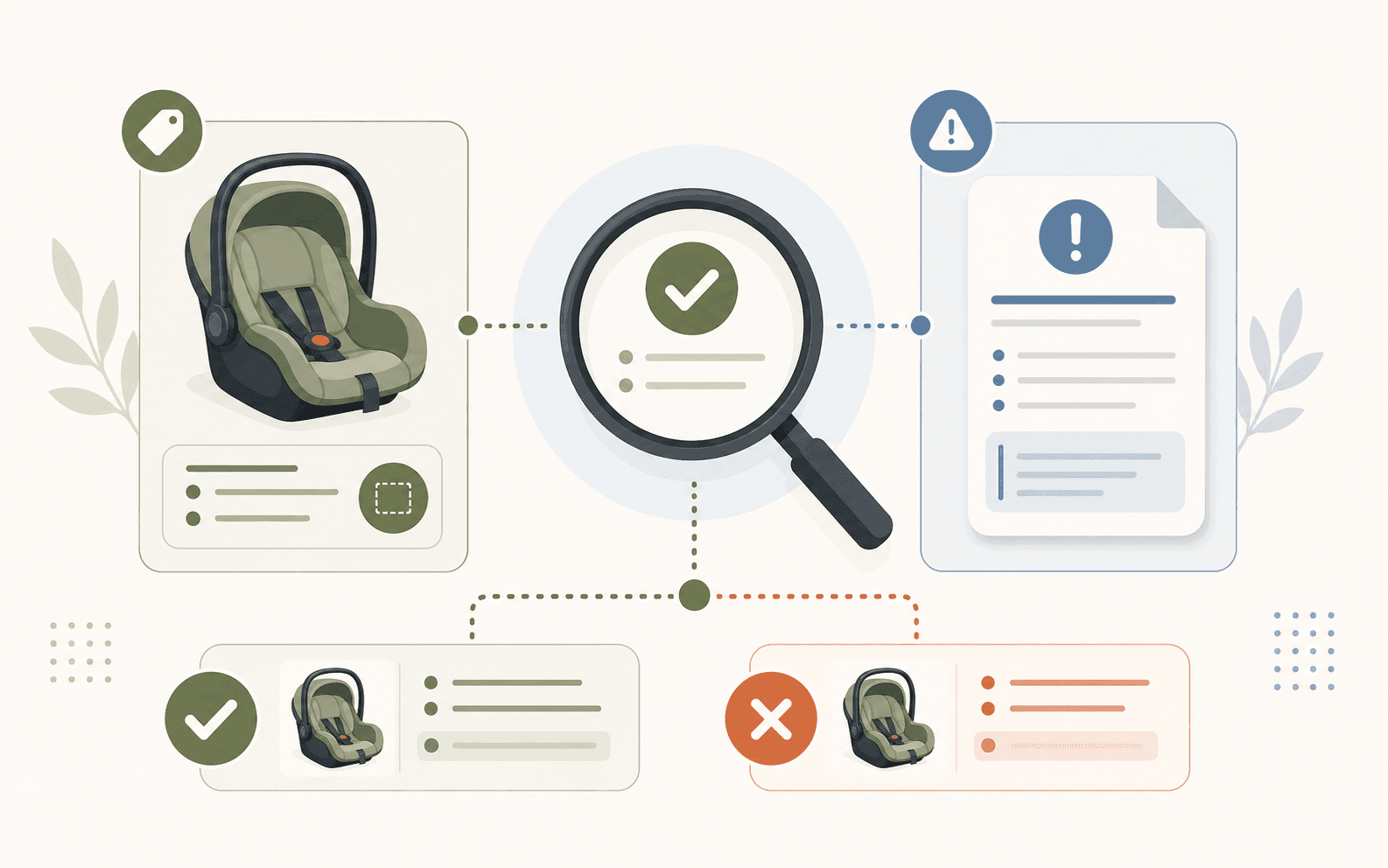
Possible
The product looks or sounds similar
Stronger
Specific model, lot, UPC, size, or date details align
Confirmed
The official notice includes your exact version
What a possible match means
A possible match means there is enough similarity to investigate - not that your item is recalled. Baby Recall Tracker may surface a possible match based on information saved manually, scanned from a barcode or packaging photo, or added through eligible Tracking+ purchase-related emails.
- A brand and product type match, but the model is unknown.
- A retailer used a different listing name for the same product line.
- A photo looks similar, but several versions were sold.
Details that can confirm a match
Use the official recall notice to compare the most specific identifiers available. One exact identifier can be more meaningful than several broad similarities.
- Model, lot, batch, serial, style, or UPC numbers
- Manufacture, expiration, or sale dates
- Size, color, packaging, bundle, or compatible product
- Retailer, distributor, or country named in the notice
When the match is unlikely
A shared product name does not override conflicting identifiers. For example, a recall may cover a 700 g container with one UPC while your container has a different size and UPC. Check whether the notice lists additional versions before ruling it out.
- Your model or UPC differs from every listed identifier.
- Your manufacture date falls outside the affected range.
- The notice names a color, size, seller, or bundle that does not match yours.
If a label or number is missing
Keep the item marked as unresolved. Look at the product base, battery compartment, sewn-in tag, packaging, receipt, or order email. Manufacturer contact details in the official notice can help when a code is worn away or inaccessible.
- Save clear photos of the product and any labels.
- Keep receipts or order records that show the seller and purchase date.
- If the notice advises affected owners to stop use, pause use until the product is identified.
After you confirm the match
Follow the official notice for stopping use, disposal, repair, return, refund, or health guidance. Keep confirmation emails and proof of purchase until the remedy is complete. You can save the product in Baby Recall Tracker and manage alerts from your notification settings.
Examples
How the details change by product
Baby Recall Tracker
Keep the details ready before the next recall
Baby Recall Tracker can flag possible matches among saved products, while the official notice provides the final affected-product details and remedy.