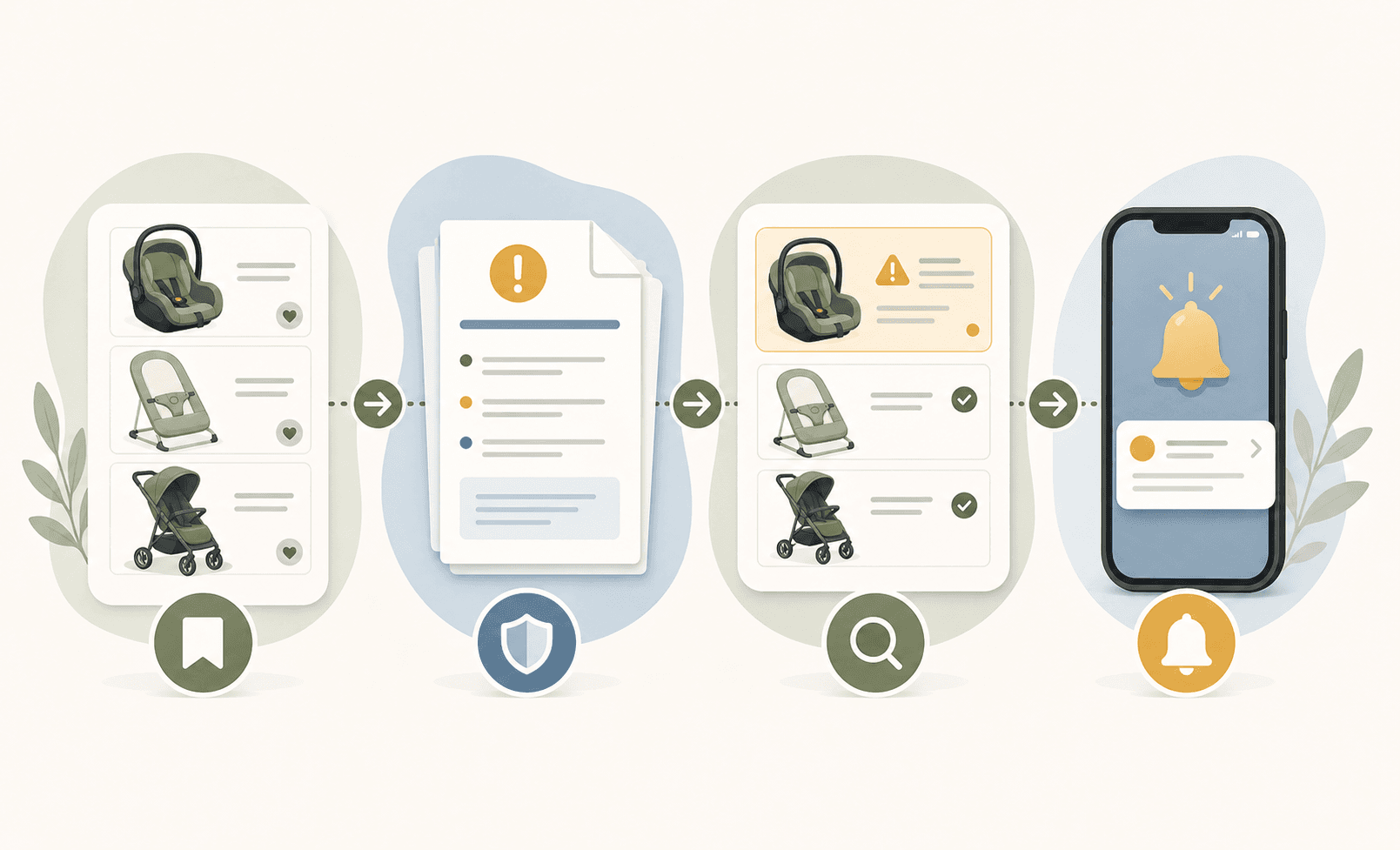
Automatic email item adding with Tracking+
Tracking+ adds eligible purchases from connected Gmail or Outlook emails without making you build the list by hand.
Loading...
Create account with
Choose your provider to create your account.
Keep product details ready for future recalls
Save the baby and child products your family actually uses. Baby Recall Tracker compares those details with monitored official recall information over time and helps you review possible matches.
Create your free account in the app
Download Baby Recall Tracker to build a product list, review possible recall matches, and keep exact product details close at hand.
Choose your app store below.
Already have an account?
Choose where to begin
Choose a product guide to find the model, lot, date, label, or part that can decide whether a recall applies.
Choose a product guideCompare your exact product details with the notice, then use the official source for the next step.
Review the matching stepsKeep your family's products in one place so later notices and meaningful recall updates are easier to review.
See how tracking worksEvidence behind the tracker
Our updated evidence review looks at how often notices appear, why a recall can expand after its first announcement, and why exact model, lot, and date details matter when a family checks an item.
Read the parent-friendly review136
children's-product CPSC announcements in 2025
An independent classification of announcements, not a count of injured children or affected homes.
26
NHTSA child-seat campaigns from 2021 through 2025
Five years of official campaign data, kept separate from CPSC announcement counts.
The practical takeaway: keep enough product detail to recognize an affected item later, then use the official notice for the exact action.
Product recall guides
Choose a product category to see where identifiers are usually located, which details matter, and how to compare them with an official notice.
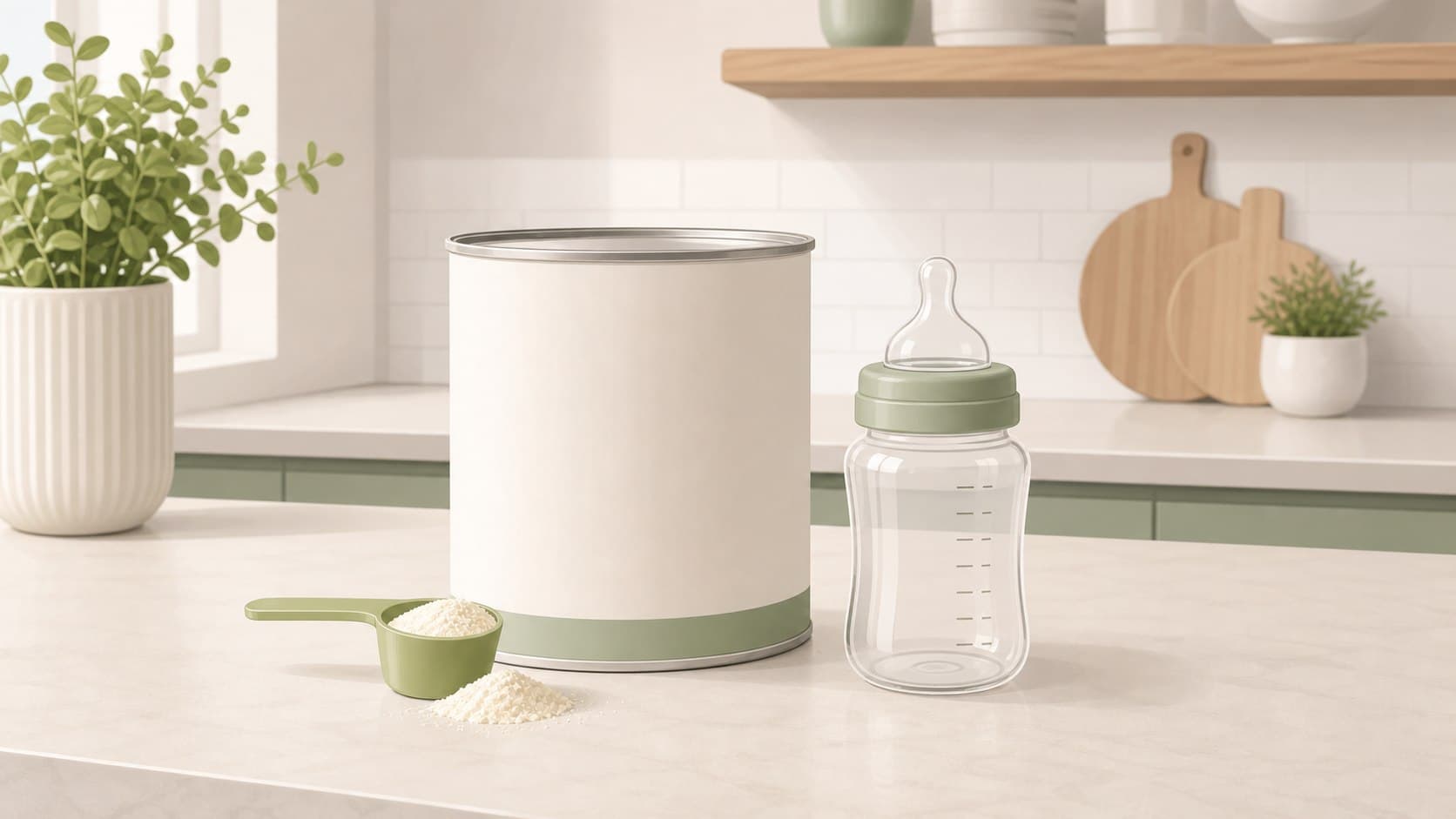
Formula
A recall usually applies to specific packages, not every container with the same product name.
Open guide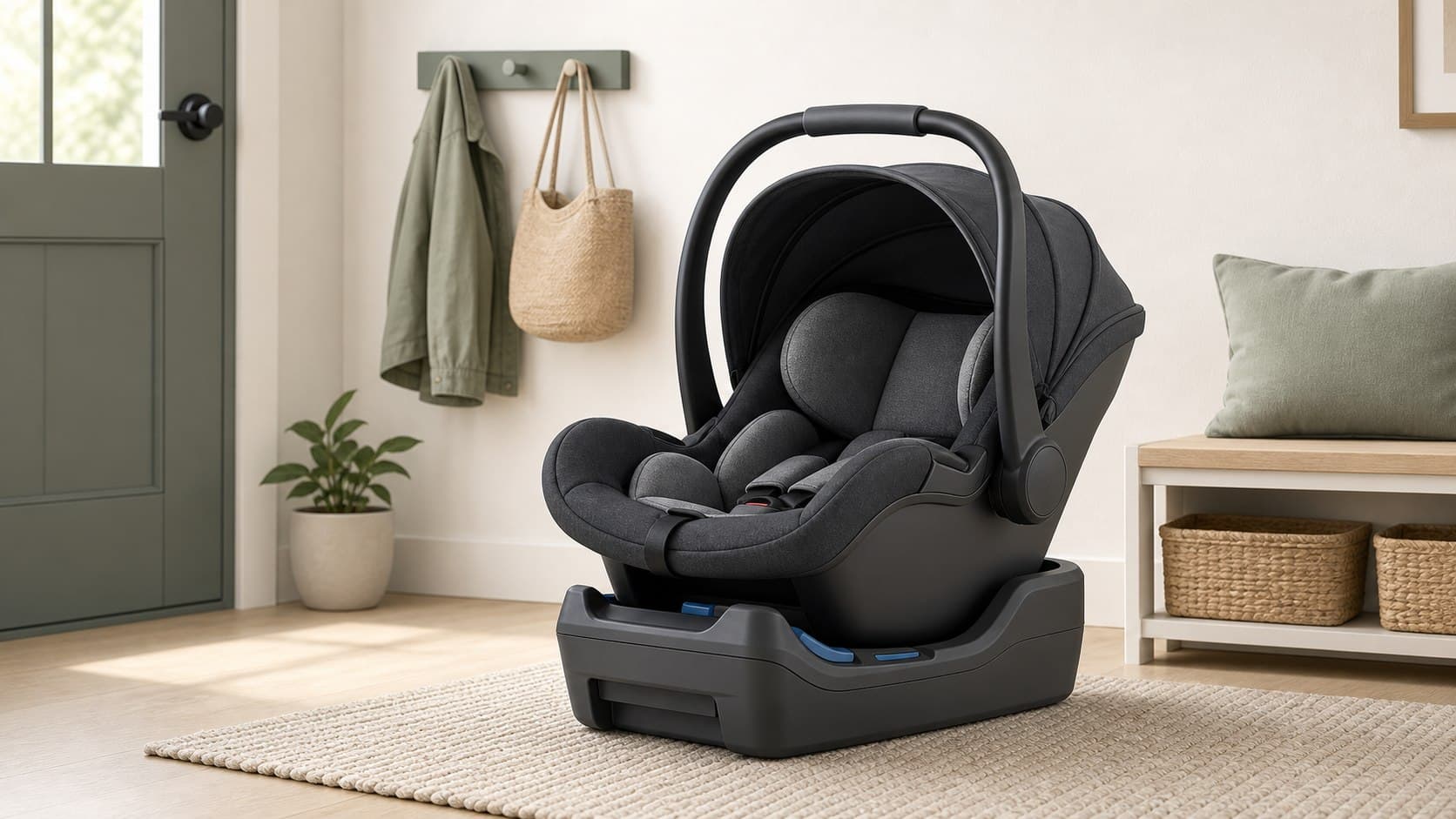
Car seats
The seat, base, and accessories may each have their own identifying label.
Open guide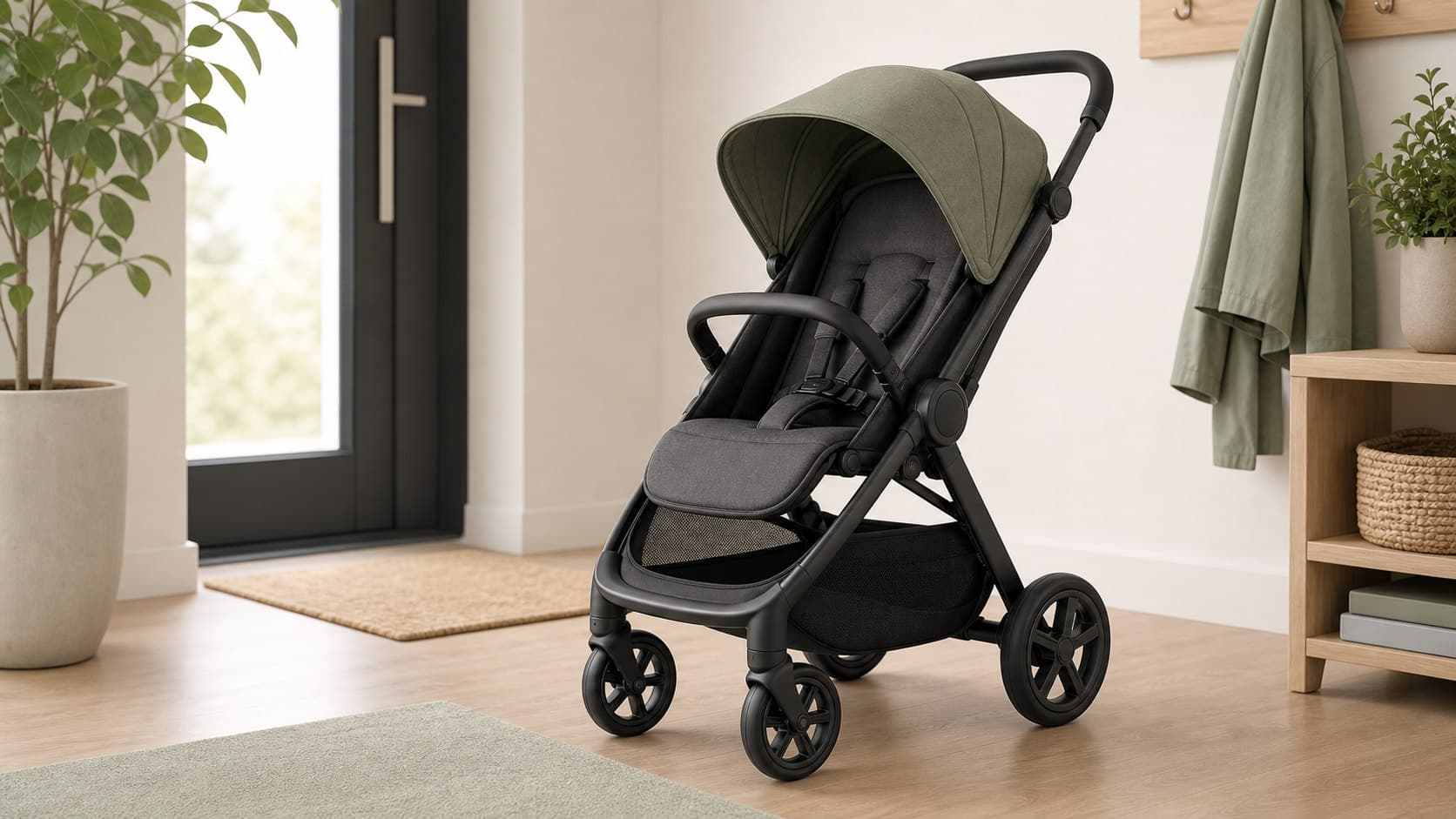
Strollers
One stroller setup can include several separately labeled products.
Open guide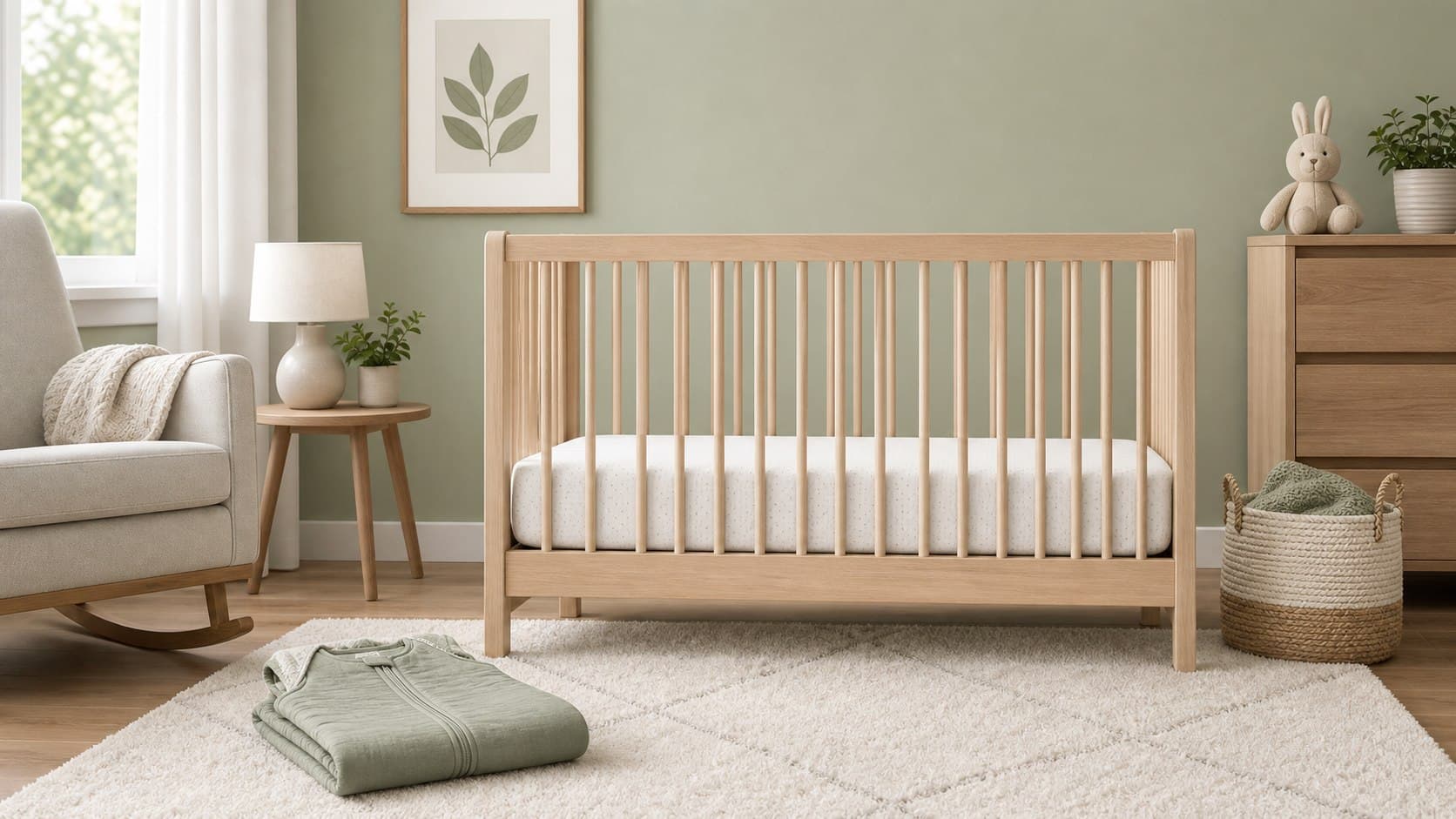
Cribs and sleep products
For products used during sleep, fit, construction, and accessories can determine whether a recall applies.
Open guide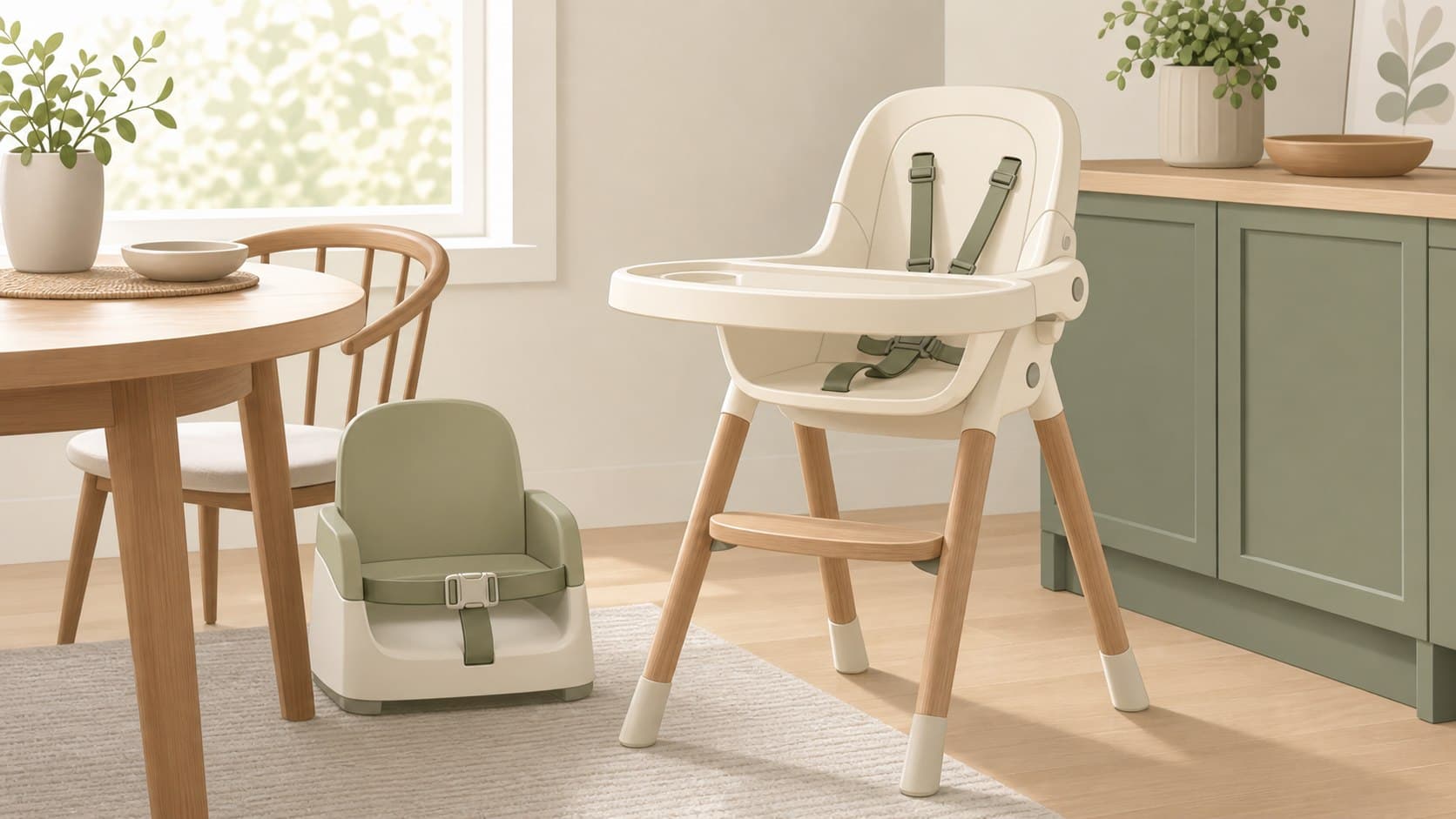
High chairs
Keep tabs on the seat used for everyday meals.
Open guide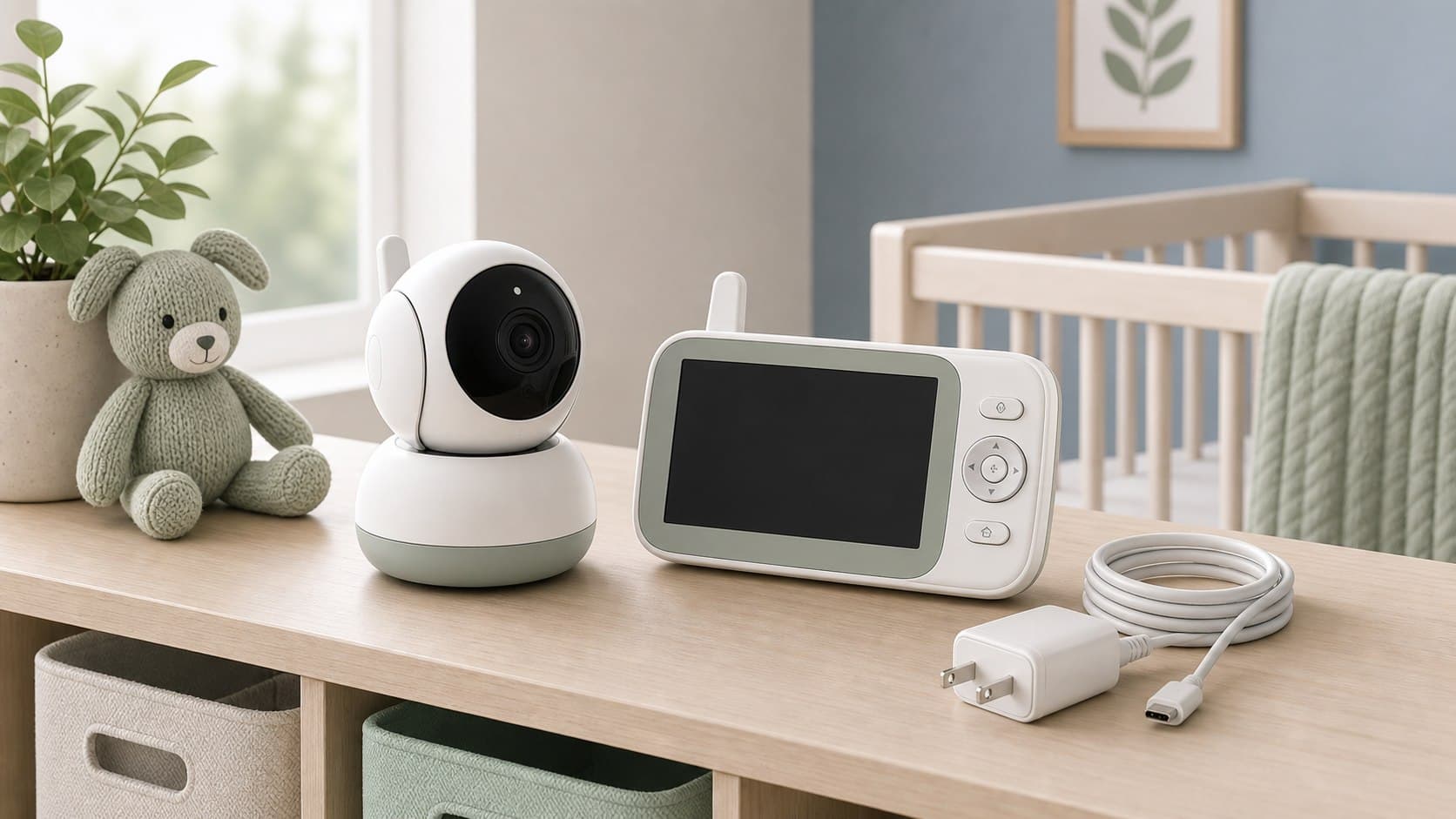
Baby monitors
A recall may affect only one part of your monitor setup.
Open guideEvery account can save products manually, by barcode, or from a packaging photo. Tracking+ can also add eligible baby, child, and parenting purchases from connected Gmail or Outlook order emails, so fewer products depend on memory alone.
Tracking+ adds eligible purchases from connected Gmail or Outlook emails without making you build the list by hand.
Free and Tracking+ accounts can scan a barcode or use a packaging photo, then review details before saving.
Products saved on either plan are compared with official recall data so possible matches are easier to review.
Log in or create an account
Sign in to an existing account or create a free account to start saving products.
Dashboard
See tracked products, possible recall matches, review items, and common-item recall updates together.
Recall Matches
Compare saved products with possible recall matches and open the official notice before deciding.
Tracked Items
Keep product names, identifiers, photos, purchase details, and monitoring information in one list.
Recall Guides
Open practical guides for formula, car seats, toys, sleep products, and other child-product categories.
Recall News
Read clear summaries of notable baby and child recalls and continue to the official source.
Common Item Recalls
Review recent recalls involving common baby and child products, then mark notices as seen.
Account
Manage profile details, notification preferences, connected inboxes, scans, and billing settings.
Free vs Tracking+
Compare free recall tracking with Tracking+ inbox monitoring, automatic item adding, and extra tools.
Practical recall help
Find a product identifier, confirm a possible match, understand the dates, or decide what to do after a recall.
Current recall information
The recall feed is the broad official-data view. Recall News gives selected baby and child recalls a clearer, reader-friendly report.